
Verify a certificate
Check a certificate or an accredited certification body against the ISAO public register. The register shows whether a certificate is valid today.
No certificate to hand?
Try a sample certificate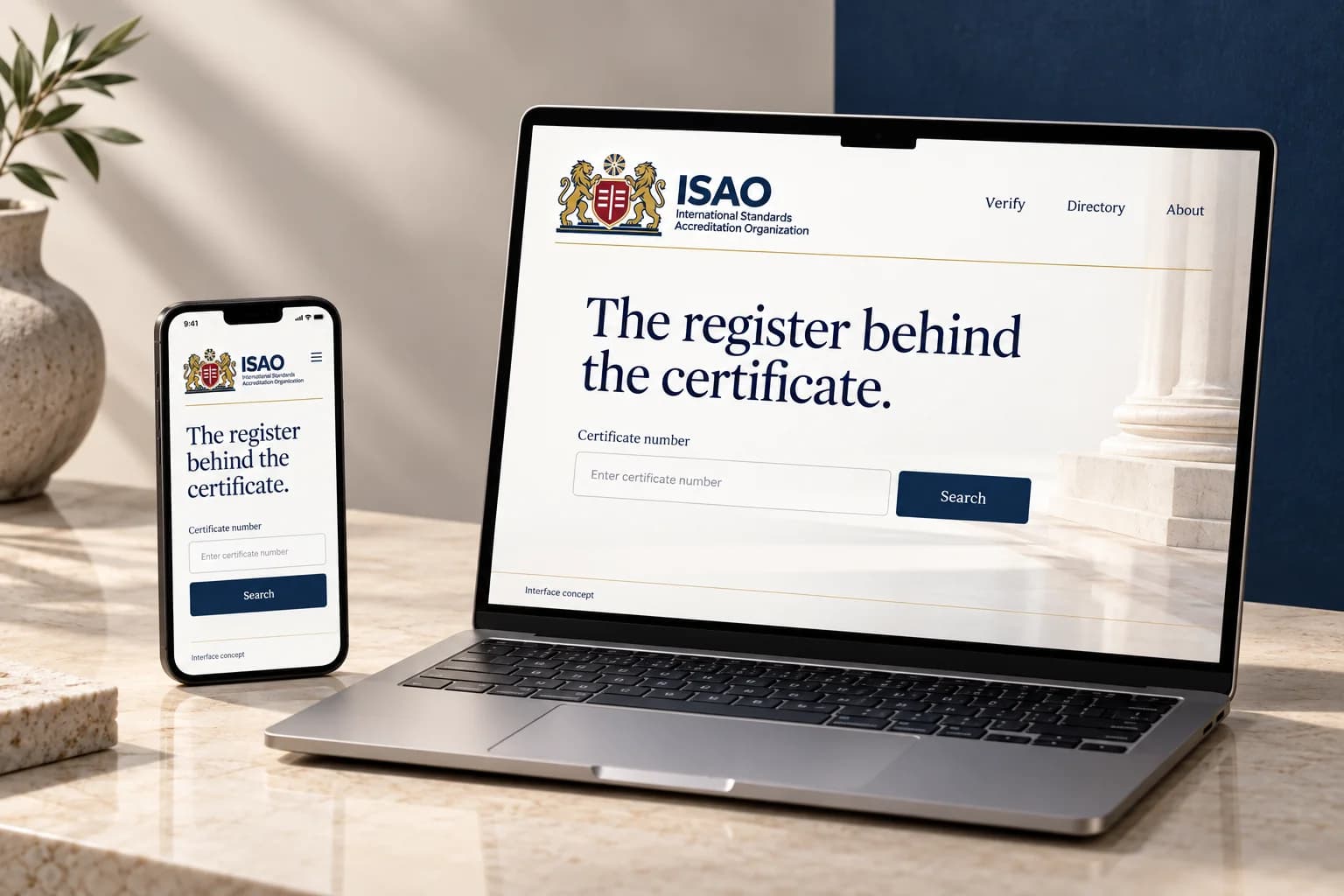
How verification works
Step 1: Search the register
Enter the certificate number, the verification code printed below its QR code or the certified organisation’s name, or scan the QR code.
Step 2: Read the record
The record shows the certificate’s status today, its standard, scope and dates, and who issued it. For a certificate issued by a certification body, it also shows that body’s own accreditation status.
Step 3: Compare it with your copy
The register is the authoritative record. If it differs from the copy you were given, do not rely on the certificate until the holder or ISAO has explained why.
Scan a QR code
Every certificate issued under ISAO accreditation carries a QR code that opens its record on isao.org.uk. If a QR code opens any other website, do not rely on it: check the certificate here instead.
Point your phone's camera at the QR code on the certificate; it opens the record directly.
What you can enter
Verification code
XXXX-XXXX-XXXX: 12 characters in three groups of four, printed on every certificate below its QR code.
Digits 0 to 9 and capital letters, never I, L, O or U, so no character can be mistaken for another. Lower case and missing hyphens are fine. The last character is a check character that catches most typing mistakes.
Certificate number
The number exactly as printed on the certificate.
Numbers issued by ISAO start with ISAO-BAR, for example ISAO-BAR/CB/YYYY/NNNN. Certification bodies use their own format. A revised certificate ends in R1, R2 and so on; include it. You can type “-” instead of “/”.
Organisation name
At least 3 characters of the registered or trading name.
You will see up to 10 close matches with their town, country, standards and status.
If something does not look right
Do not rely on a certificate that is missing from the register, or whose details differ from the copy you were given, until the holder or ISAO has explained why. Report a concern or contact us.
Tender portals and other systems can check certificates automatically with the verification API.